⌚🌍 Home Assistant time display plugin
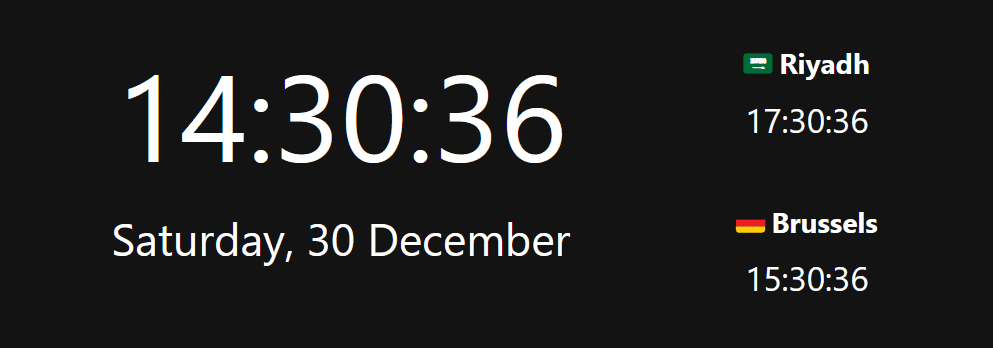
Over the holidays, I wrote a little Home Assistant plugin to display digital time in Lovelace. Home Assistant doesn’t currently a native way of doing this but there are a few notable third-party plugins. They did lack many features someone would expect for something like this.
I wrote something similar when working on my SaaS which largely revolved around time display. I remember finding time zones really tricky at the time.
OS’s/Programs normally use some type of database that contains information about the world’s time zones, including details such as daylight saving time rules, historical changes, and geographical boundaries.
Some challenges in dealing with that is periodic changes in daylight saving time (DST) rules. Many regions observe DST, which involves shifting the clocks forward or backward by one hour during certain periods of the year. Tzdata plays a important role to provide the necessary information to correctly account for these changes.
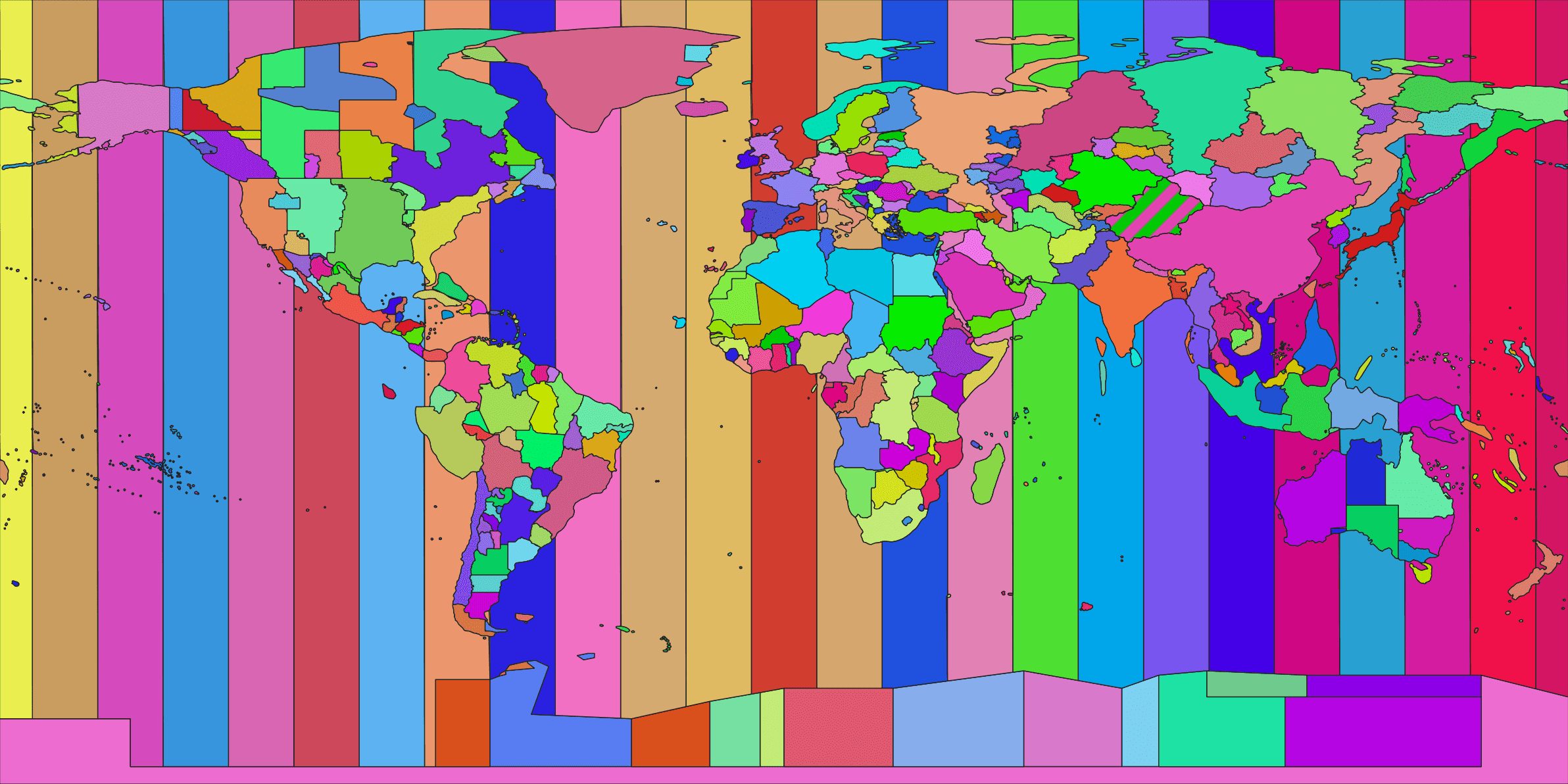
ICANN - primarily responsible for managing the domain name system (DNS). Impacts time-related functions on the Internet. ICANN plays a role in maintaining NTP infrastructure and standards, more importantly backs Paul Eggert who has maintained tzdata since 2005.
Thankfully… there isn’t a need need to roll out your own time logic these days. There exists libraries within the JS ecosystem that allow you to handle time correctly with proper logic of time zones, some of the modern ones use Browser APIs while others have a lot built from scratch. I decided to go with moment.js but I found day.js equally good. They both offer dist bundles to handle time zones.
Another feature I wanted was style customizability, all good plugins come with a degree of this but I didn’t want to spend too long as it was the holidays after all… (I’ve said told myself that too many times).
Features that I wanted
- CSS styling (No default styling applied - Let the user decide what it looks like)
- All time zones
- Any combination of date formats
- Display multiple time instances (called ‘moments’)
Configuring the plugin
type: custom:better-moment-card
...
moment:

  - format: HH:mm:ss # Displays local time e.g. 17:00:01

  - format: HH:mm:ss # Displays time in Brussels e.g. 18:00:01
    timezone: Europe/Brussels

  - format: HH:mm
    timezone: Asia/Riyadh # Displays time in Riyadh
	 style: "font-weight:bold;" # Optional: Let the user style it how they want
    template: | # Optional: Let the user change the innerHtml of the element
	   Hello! It's {{moment}}  # Hello, it's xx:xx etc
This was my first HA plugin so I peaked at other plugins to understand things a bit better docs were a bit crap tbh.
Improving
Locales is the next things I’d like to implement…it’s the display of time/date according to largely geo-cultural customs;. For now the current feature set do most the things.
If you’d like to try it out, read the install guide on it’s Github page. I have also submitted it to HACS for approval for easier installation.